
Upload audio or choose a library song, then submit it for vocal separation. MusicGPT.cc creates two tracks: Vocals and Instrumental. Review both before downloading.
AI Vocal Remover
Separate a recording into Vocals and Instrumental. Upload your audio or choose a library song; processing requires a paid plan.
Select a Song
Upload audio you have permission to process, or choose a playable song from My Songs.
How to remove vocals in three steps
Upload or choose audio
Upload a supported recording you have permission to process, or choose a playable track from My Songs.
Run vocal separation
Sign in and check paid-plan access. Submit the recording for two-track separation.
Listen to both outputs
Review the vocal and instrumental tracks for bleed or artifacts. Use available download controls for further editing.
Listen to the vocal remover demo on MusicGPT.cc
Original audio
Vocal
Instrumental
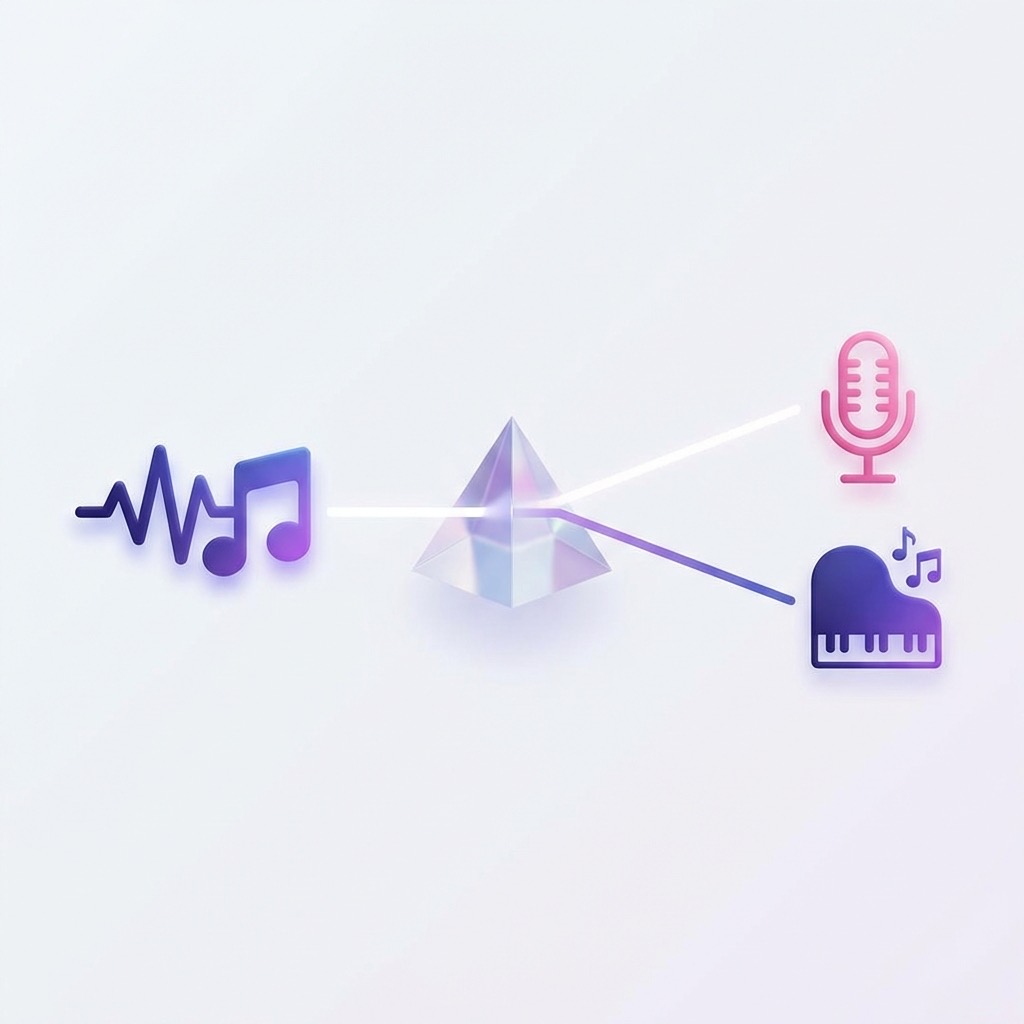
Hear the voice apart from the backing
AI Vocal Remover: Use the vocal to study phrasing or prepare a remix. Use the combined backing for rehearsal or karaoke. Stem Splitter: For separate drums, bass, and other instrument groups, choose Stem Splitter.

What to check in the separated audio
Compare the original with both outputs at the same section. Listen where backing vocals, cymbals, and reverb overlap. These sounds can bleed between the two tracks. Check quiet passages as well as the chorus before using a download.
Choose the track you need
Keep the vocal for focused listening, or use the instrumental to sing and play along. Some vocal sound may remain in the backing.
Ideal for:
- • Karaoke
- • Covers
- • Background music
- • Practice and rehearsal
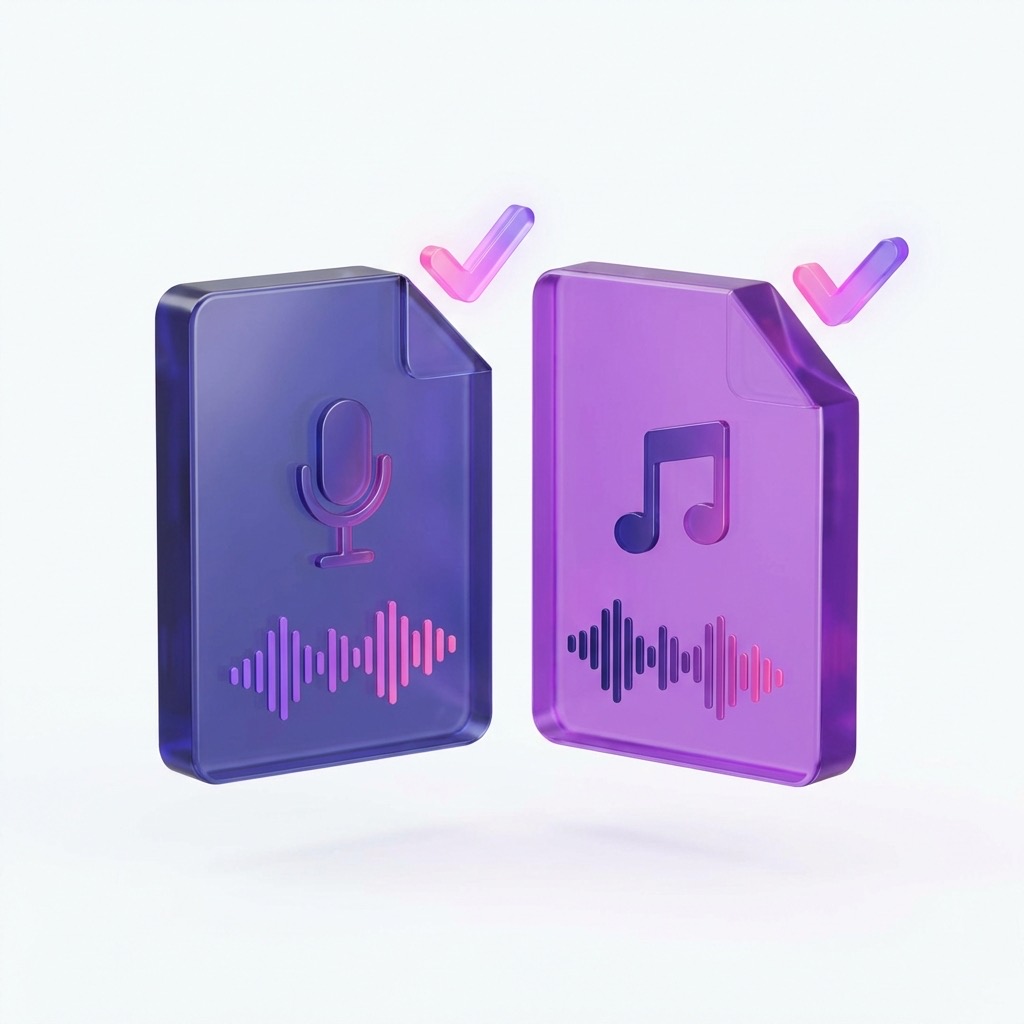
What Files Will You Get?
- •One isolated vocal track
- •One estimated instrumental backing track
- •Review both tracks for bleed or artifacts before further editing
Common Use Cases
Create karaoke versions of songs
Use the instrumental as a backing track for singing practice.
Extract vocals for remixing or re-singing
Take the vocal into your editor and check it before arranging a remix.
Prepare background music for videos or podcasts
Try the instrumental from your own recording under a scene. Check both sound quality and reuse rights.
Practice singing or playing along
Practice a vocal phrase with the isolated voice, then try it against the backing.
Separate before opening your DAW
Run the split in the browser, then use the available files in your editor.
Vocal Remover or Stem Splitter?
Choose Vocal Remover for two audio tracks; choose Stem Splitter for six.
Choose six-stem separation when you need drums or bass on their own. Neither separation tool creates note data or a new song section.
Separate vocals from your recording
Choose your source above and run the split. Listen to both tracks before keeping the result.
Start Separating TracksStem Splitter
Separate instrument groups when a single backing track is not enough.
Open Stem SplitterAI Music Generator
Start a new song draft from a prompt or your own lyrics on the homepage.
Generate a songAI vocal remover FAQ
Yes. The same separation produces an isolated vocal track and an instrumental backing track. Choose the result that fits your project.
Processing requires a paid plan on MusicGPT.cc. Check Pricing and your account for current access, credits, and download options.
The upload control accepts MP3, WAV, M4A, AAC, OGG, and FLAC audio. You can also choose a playable track from My Songs. Check the form for current file limits.
Not always. Dense mixes, backing vocals, reverb, and overlapping instruments can leave vocal bleed or separation artifacts. Listen before using the result.
Use Stem Splitter for six tracks: Vocals, Drums, Bass, Other, Guitar, and Piano. Vocal Remover only produces the two-track vocal and instrumental split.
Only when you have the necessary rights to the source recording and composition. Separating audio does not grant copyright permission.